 Voice Memos AI
The idea arrives spoken. It should leave written.
Record a thought, a meeting or a walk-and-talk. Get the transcript, a summary of what actually mattered, and something you can act on.
Recording is the easy part. Getting it back in a usable shape is the point.
You have forty voice notes. You know one of them contains the good idea. You have not listened to any of them since the day you recorded them. An audio file you never replay is the same as a thought you never had.
Speak, and get text back.
The app exists to close the gap between having an idea and having it written down.
Record, or import
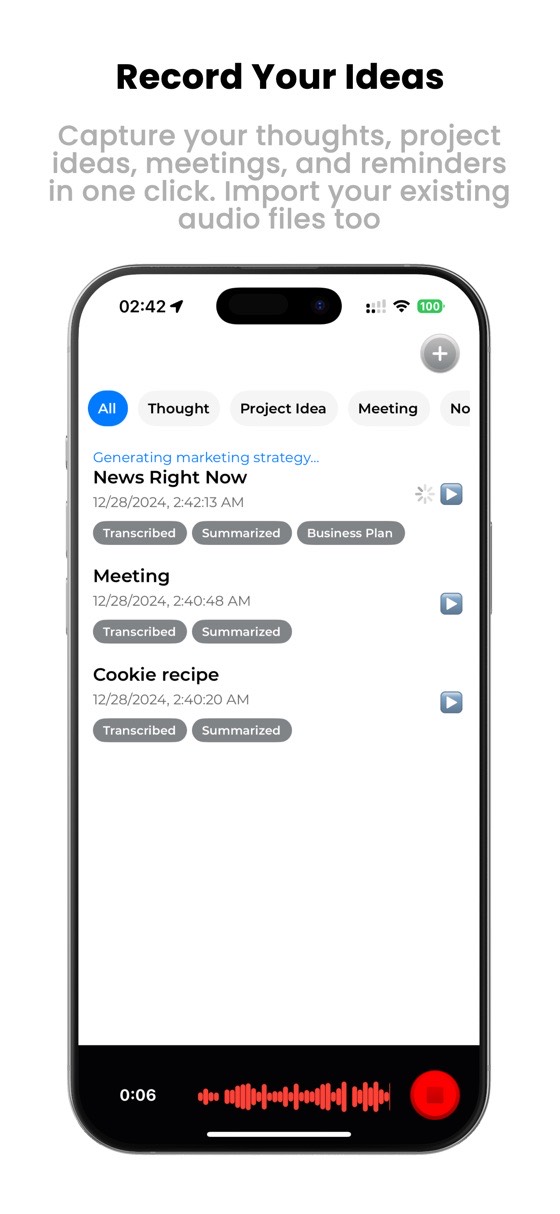
Speak into the app, or bring in audio files you already have.
Get the transcript
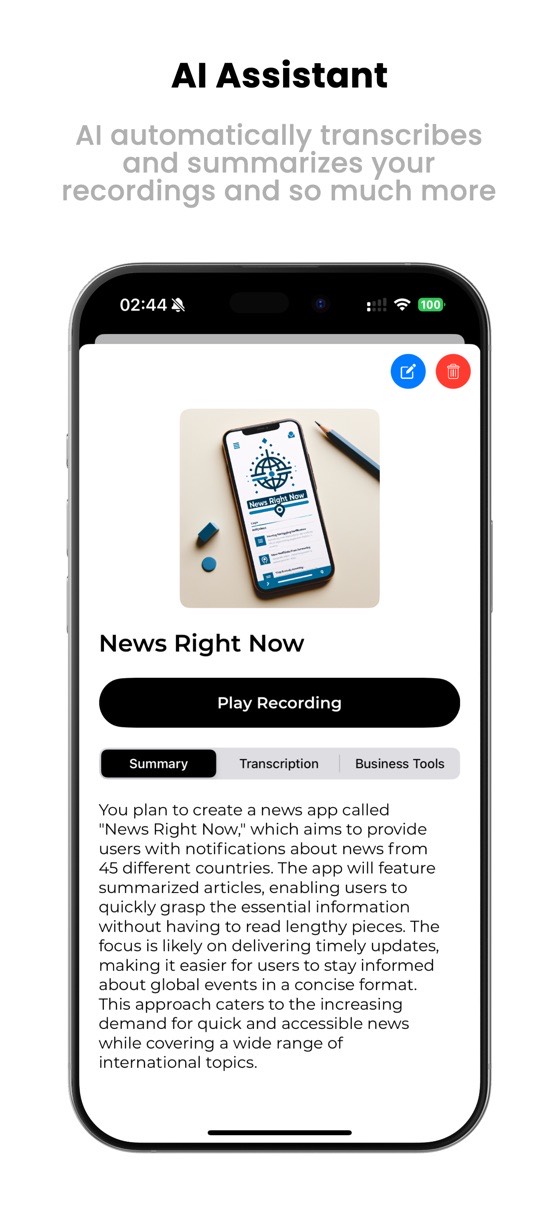
Automatic voice-to-text, so the recording becomes searchable instead of sitting in a list.
Get the summary
An AI summary of what mattered — the part that makes you actually reopen it.
From a spoken idea to a structured document.
Transcription turns speech into text. The rest turns text into something you can use — which is where most voice apps stop.
- Smart summaries of what the recording was actually about.
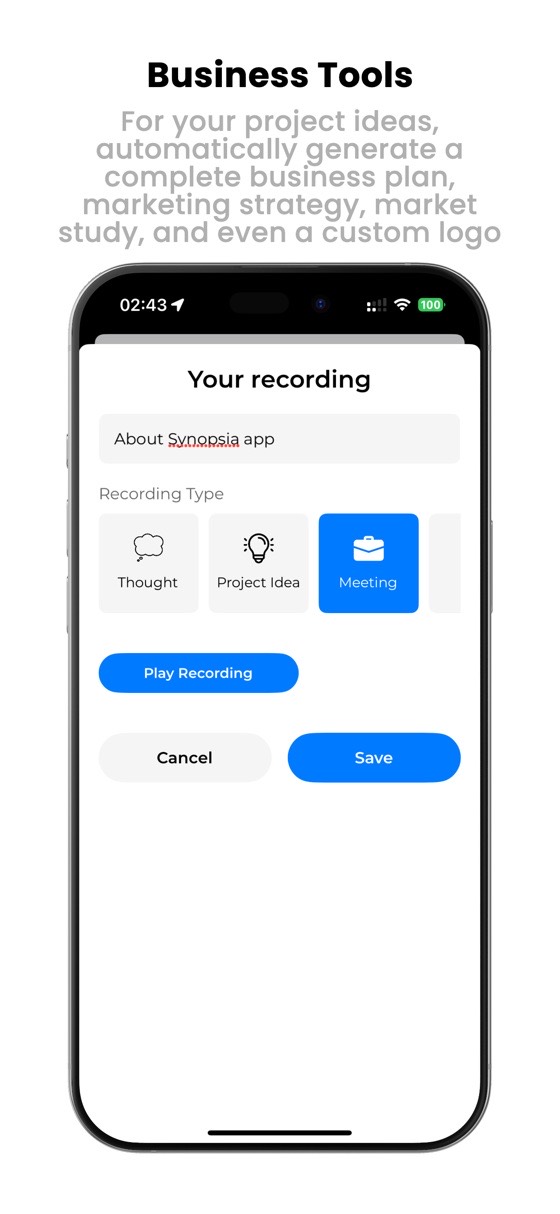
- Automatic organisation by thought, meeting, project idea or reminder.
- Business tools — turn a spoken idea into a business plan, a marketing strategy or market research.
- Marketing copy and logo generation, from the same starting point.
Made for people who think out loud.
Import existing audio
Recordings from another app, an interview, a meeting you already captured — bring them in and process them the same way.
Clear recording quality
Good audio in means a usable transcript out, which matters more than any setting.
Organised by itself
Categorised as you go, so the fortieth note is as findable as the first.
Simple enough to use while walking.
One button to start, and everything else happens afterwards.
Getting more out of talking to yourself.
What makes a transcript accurate, and how to choose between the apps that do this.

Why your transcription is wrong (and how to fix it)
Accuracy is decided by the recording, not the software. Eight things that ruin a transcript.
Read the guide
5 best AI voice recorder apps in 2026
What separates a voice app you keep from one you abandon — ours included, weaknesses and all.
Read the comparisonGood to know.
How accurate is the transcription?
Accuracy depends mostly on the recording, not the app: a quiet room and a phone close to you produce a far better transcript than any setting. Background noise, several people talking at once and strong accents all reduce it — this is true of every transcription tool, ours included.
Can I import audio I already have?
Yes. Existing audio files can be brought in and transcribed and summarised like anything recorded in the app.
What are the business tools for?
They take a spoken idea and structure it — into a business plan outline, a marketing strategy, market research notes or marketing copy. It is a starting draft to work from, not a finished document.
What does it cost?
The download is free, with an in-app purchase for the AI features.
Which devices?
iPhone, on a recent version of iOS.
Stop losing the good ideas.
Say it once, and get it back as something you can use.
Download on the App Store